We use cookies to make your experience better. To comply with the new e-Privacy directive, we need to ask for your consent to set the cookies. Learn more.


Incorporating MODFLOW 6 Groundwater Energy (GWE)
Understanding groundwater energy dynamics—including hydraulic head, flow work, and energy dissipation—is critical for modeling advanced groundwater processes such as density-driven flow, pumping efficiency, and coupled surface-groundwater interactions. With the release of MODFLOW 6, the Groundwater Energy (GWE) package offers a new way to incorporate energy calculations into groundwater simulations. In the Groundwater Modeling System (GMS), modelers can now integrate GWE to better analyze energy impacts in aquifer systems.
What Is the Groundwater Energy (GWE) Package?
The GWE package in MODFLOW 6 calculates energy components associated with groundwater flow. This includes:
-
Total hydraulic energy within the aquifer
-
Energy contributions from pumping or injection wells
-
Energy dissipation due to aquifer properties and flow resistance
By tracking energy, hydrogeologists can evaluate not only flow rates and heads, but also where energy losses occur, which can inform design decisions for wells, remediation systems, or artificial recharge schemes.
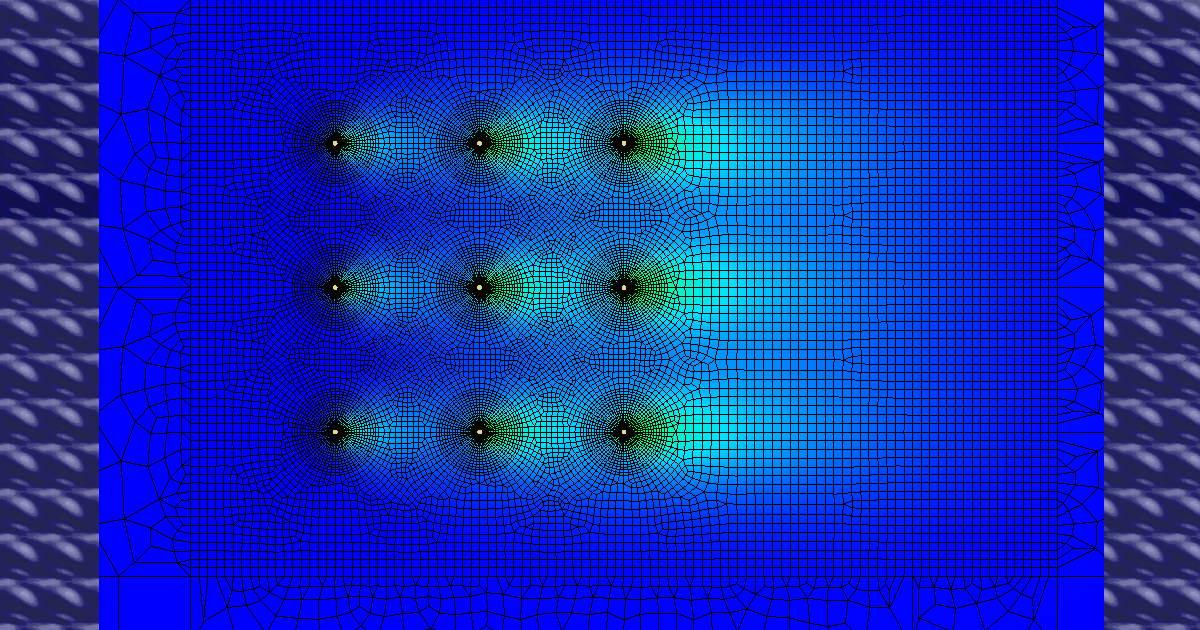
Step 1: Build a MODFLOW 6 Flow Model in GMS
Before incorporating GWE, create a fully functional MODFLOW 6 model in GMS. Include:
-
Aquifer geometry and layers
-
Boundary conditions (rivers, general head, drains)
-
Recharge and pumping sources
-
Proper hydraulic properties for each hydrogeologic unit
GWE relies on the flow solution, so the accuracy of your energy calculations depends on a well-calibrated groundwater flow model.
Step 2: Enable and Configure the GWE Package
In GMS:
-
Open the MODFLOW 6 Packages dialog and enable GWE.
-
Define the energy observation points or areas where energy calculations are critical.
-
Assign relevant parameters, such as fluid density, gravity, and energy storage properties if needed.
These settings allow GWE to calculate energy fluxes associated with each flow path and aquifer layer.
Step 3: Run the Model and Analyze Energy Outputs
After running MODFLOW 6 with GWE, GMS allows you to:
-
Visualize energy distribution across the aquifer
-
Examine energy losses at wells or drains
-
Evaluate efficiency of pumping schemes and natural flow gradients
Energy visualization helps identify areas of high hydraulic stress, potential over-pumping, or zones sensitive to contaminant transport.
Final Thoughts
Incorporating the MODFLOW 6 GWE package in GMS enhances traditional groundwater modeling by adding an energy perspective. Engineers and hydrogeologists can better design pumping systems, assess aquifer sustainability, and evaluate energy impacts of groundwater development or remediation projects. Start modeling energy dynamics with the GWE package in MODFLOW 6 by downloading GMS today!
March 31, 2026
|
View: 2348
|
Categories: GMS
|
By: <a class="mp-info" href="https://aquaveo.com/blog/author/admin">Aquaveo Staff</a>
About the Author


Converting a NET File to an INP File
May 9, 2018
Performing a Silent Install of XMS (Passwords & Hardware Locks)
October 10, 2018
Computing Basin Curve Numbers in 9 Easy Steps
May 16, 2023
Performing a Silent Install for ALS
October 27, 2021
Tips for Finding Information on the XMS Wiki
September 25, 2019
How to Calibrate a HEC-HMS Model for Peak Flow Accuracy
October 20, 2026
Meet the New Display Panel
October 13, 2026
What’s New in the GMS 11.0 Beta
October 6, 2026
Simplify and Prepare Complex Geometry
September 29, 2026
Unlock SMS 14.0 Map Undo Features
September 22, 2026