We use cookies to make your experience better. To comply with the new e-Privacy directive, we need to ask for your consent to set the cookies. Learn more.


Transform Legacy Models with MODFLOW 6
As MODFLOW 6 becomes the preferred groundwater flow engine for many new modeling projects, many Groundwater Modeling System (GMS) users are looking to convert legacy MODFLOW-2005, MODFLOW-NWT, or MODFLOW-USG models. Fortunately, the Groundwater Modeling System (GMS) provides the tools to make this transition, but the process is more than simply changing the model version. MODFLOW 6 uses a fundamentally different workflow within GMS, so understanding the new interface is key to a successful conversion.
Understand the New MODFLOW 6 Workflow
One of the first things experienced GMS users notice is that MODFLOW 6 is centered around the Project Explorer rather than the traditional MODFLOW package dialogs.
Instead of creating a MODFLOW simulation directly from a grid, you'll first create a MODFLOW 6 Simulation.
-
In the Project Explorer, right-click on Project and select New Simulation → MODFLOW 6.
-
During this process, you'll select the UGrid to associate with the simulation and choose the optional MODFLOW 6 packages that your project requires.
-
After the simulation is created, the Project Explorer displays the simulation hierarchy, including the Groundwater Flow (GWF) model, solution package (IMS), time discretization (TDIS), output control (OC), and any optional packages you've selected.
This object-oriented organization makes it much easier to manage multiple models or simulations within a single project.
Prepare Your Grid
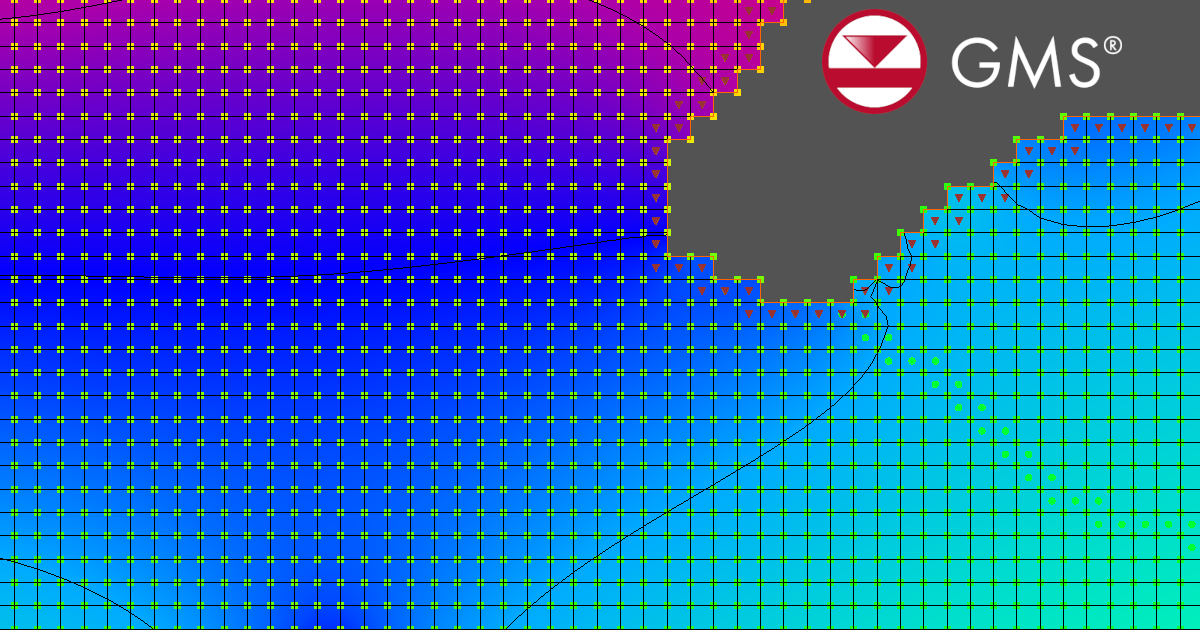
Unlike older MODFLOW versions that primarily used structured 3D grids, MODFLOW 6 in GMS uses an unstructured grid (UGrid), even if your model geometry is logically structured.
If your project already uses a UGrid, you can use it directly when creating the MODFLOW 6 simulation. If your existing model uses a traditional 3D grid, you'll first need to convert the grid to a UGrid. This conversion carries over the model's active cell geometry into the data structure required by MODFLOW 6, though you may be prompted to include or exclude inactive cells during the process. In many cases, this means you can continue using the same model discretization without rebuilding the grid from scratch.
Map Your Conceptual Model Differently
Another important workflow change involves mapping conceptual data.
Older MODFLOW interfaces used the familiar Map → MODFLOW command to transfer conceptual model data onto the grid. MODFLOW 6 replaces this with the Map from Coverage workflow. Rather than mapping all data simultaneously, GMS maps information into individual MODFLOW 6 packages. This provides greater flexibility and allows packages to be updated independently, but it also means users should verify each package after mapping.
Review Packages Carefully
Although many familiar boundary conditions remain available, MODFLOW 6 introduces new packages and updated implementations.
After creating the simulation, review:
-
Wells (consider whether WEL or MAW is more appropriate)
-
Recharge
-
Rivers and drains
-
General head boundaries
-
Observation packages
-
Solver settings
Some older packages have changed significantly or have been replaced, so this is a good opportunity to modernize your model using MODFLOW 6 capabilities.
Validate Before Moving Forward
Finally, compare the MODFLOW 6 results with your original simulation. Check groundwater heads, water budgets, drawdown, and observation residuals. Minor differences are expected because MODFLOW 6 uses updated numerical methods, but significant changes usually indicate that a package or mapping step should be reviewed.
Final Thoughts
Converting to MODFLOW 6 in GMS is not simply a file conversion—it is a transition to a new modeling workflow. By understanding the Project Explorer structure, creating a MODFLOW 6 simulation, using a compatible UGrid, and adopting the Map from Coverage process, you can successfully migrate existing groundwater models while taking advantage of MODFLOW 6's expanded capabilities and modern architecture.
Take advantage of the power of MODFLOW 6 and download GMS today!
August 25, 2026
|
View: 1166
|
Categories: GMS
|
By: <a class="mp-info" href="https://aquaveo.com/blog/author/admin">Aquaveo Staff</a>
About the Author


Converting a NET File to an INP File
May 9, 2018
Performing a Silent Install of XMS (Passwords & Hardware Locks)
October 10, 2018
Computing Basin Curve Numbers in 9 Easy Steps
May 16, 2023
Performing a Silent Install for ALS
October 27, 2021
Tips for Finding Information on the XMS Wiki
September 25, 2019
Smart Guide to MT3D vs MODPATH
October 27, 2026
How to Calibrate a HEC-HMS Model for Peak Flow Accuracy
October 20, 2026
Meet the New Display Panel
October 13, 2026
What’s New in the GMS 11.0 Beta
October 6, 2026
Simplify and Prepare Complex Geometry
September 29, 2026