We use cookies to make your experience better. To comply with the new e-Privacy directive, we need to ask for your consent to set the cookies. Learn more.


Essential Boundary Condition Guide
Boundary conditions play a critical role in determining the accuracy and stability of hydraulic simulations built in the Surface-water Modeling System (SMS). Even when meshes and parameters are well constructed, improperly assigned boundary conditions can lead to unrealistic water levels, unstable solutions, or failed model runs. Understanding common pitfalls, and how SMS handles boundary condition assignment, can help you avoid costly rework.
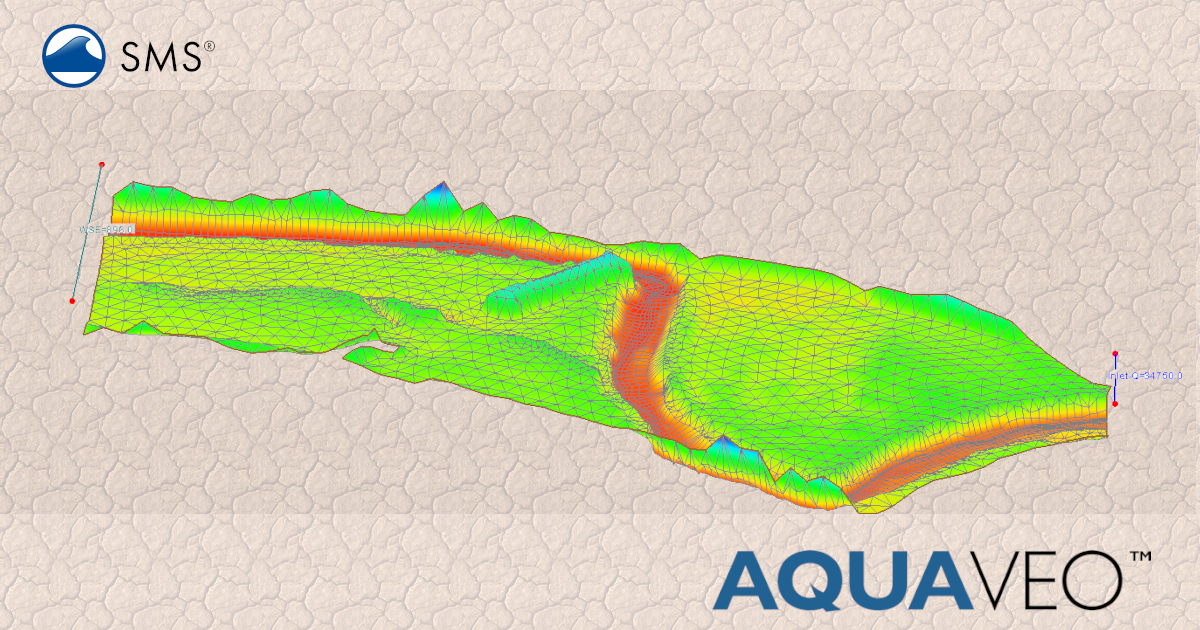
Mistake #1: Assigning Boundary Conditions Directly to the Mesh
One of the most common mistakes is attempting to define boundary conditions directly on mesh nodes or elements. In SMS, best practice is to define boundary conditions on a coverage, then associate that coverage with a simulation.
How to avoid it:
Use the appropriate coverage (e.g., boundary condition coverage) in the Map module. SMS will snap these boundary conditions to the mesh during model export, ensuring proper alignment even if the mesh changes.
Mistake #2: Forgetting That Snapping Happens at Export
New users often expect boundary conditions to visibly align with the mesh immediately. In SMS, boundary condition snapping typically occurs when the simulation is exported, not when the coverage is created.
How to avoid it:
After defining boundary conditions, always export the simulation and review the model input files or preview results to confirm proper snapping.
Mistake #3: Using the Wrong Boundary Type
Applying an incorrect boundary condition—such as a stage boundary where a flow boundary is required—can lead to physically unrealistic results or numerical instability.
How to avoid it:
Verify boundary condition types against model documentation and project objectives. For example, inflow boundaries should represent known discharges, while downstream boundaries often use stage or rating curves.
Mistake #4: Poor Boundary Placement
Boundary conditions placed too close to areas of interest or in zones with complex flow patterns can distort results.
How to avoid it:
Place boundaries far enough upstream or downstream to allow flow to stabilize before reaching critical areas. Use SMS visualization tools to inspect velocity vectors and water surface gradients near boundaries.
Mistake #5: Inconsistent Units or Time Series
Boundary conditions using incorrect units or mismatched time steps can silently introduce errors.
How to avoid it:
Confirm unit consistency across the project and ensure time series boundary data align with the simulation duration and timestep.
Best Practices Summary
-
Define boundary conditions on coverages, not directly on meshes
-
Confirm snapping after exporting simulations
-
Choose boundary types appropriate to the physics
-
Place boundaries strategically
-
Double-check units and temporal data
Conclusion
Correctly assigning boundary conditions in SMS is essential for producing stable and defensible hydraulic models. By understanding how SMS processes boundary conditions—and avoiding common mistakes—you can improve model reliability and reduce troubleshooting time. Make use of the ease and flexibility that SMS offers for applying boundary conditions. Download today!
March 17, 2026
|
View: 2545
|
Categories: SMS
|
By: <a class="mp-info" href="https://aquaveo.com/blog/author/admin">Aquaveo Staff</a>
About the Author


Performing a Silent Install of XMS (Passwords & Hardware Locks)
October 10, 2018
Converting a NET File to an INP File
May 9, 2018
Computing Basin Curve Numbers in 9 Easy Steps
May 16, 2023
Performing a Silent Install for ALS
October 27, 2021
Tips for Finding Information on the XMS Wiki
September 25, 2019
Essential Wind Forcing in CMS-Wave
August 11, 2026
Tips for Calibration with PEST and MODFLOW 6
August 4, 2026
Tips for Using Wells with MODFLOW 6
July 14, 2026