We use cookies to make your experience better. To comply with the new e-Privacy directive, we need to ask for your consent to set the cookies. Learn more.


Essential DEM Clean-Up for Watershed Delineation
High-quality terrain data is the foundation of accurate watershed delineation. Even the most advanced hydrologic tools in the Watershed Modeling System (WMS) depend on a clean, well-prepared Digital Elevation Model (DEM). Poor DEM quality can lead to incorrect flow paths, misaligned outlets, and unrealistic basin boundaries. This guide walks through best practices for preparing and cleaning DEM data for watershed delineation in WMS.
Step 1: Choose the Right DEM Source and Resolution
Start with a reliable elevation dataset that matches your project scale. WMS provides direct access through the interface to multiple online sources. Common reliable sources include:
-
USGS National Map – High-resolution 3DEP elevation data for the U.S.
-
NASA SRTM – Global DEM coverage for larger or international watersheds.
Select a resolution appropriate for your watershed size. High-resolution DEMs (1–3 m) work well for small or urban watersheds, while 10–30 m data is often sufficient for large regional studies.
Step 2: Import and Inspect the DEM in WMS
Import the DEM into WMS using File → Open or the Terrain Data Module. You can also make use of the WMS’s online download functions such as the Get Online Maps and Import from Web tools. Before any processing:
-
Visually inspect the terrain for missing data, noise, or obvious artifacts.
-
Confirm the coordinate system and vertical units are correct.
-
Ensure the DEM fully covers the watershed and outlet locations.
Early inspection helps avoid downstream errors.
Step 3: Fill Sinks and Depressions
Raw DEMs often contain artificial pits or depressions that trap flow. These should be removed before delineation:
-
Go to DEM → Fill in WMS.
-
Use default settings initially, then review results.
-
Re-run if necessary, especially in flat or low-relief areas.
Filling sinks ensures continuous downstream flow paths and realistic drainage networks.
Step 4: Compute Flow Direction and Accumulation
Once sinks are filled:
-
Run DEM → Compute Flow Directions to define how water moves across the terrain.
-
Run DEM → Compute Flow Accumulation to identify natural drainage paths and channels.
Display the accumulation grid to verify that high-flow areas align with known streams or channels.
Step 5: Trim and Optimize the DEM
For better performance and clarity:
-
Trim the DEM to a buffered watershed boundary.
-
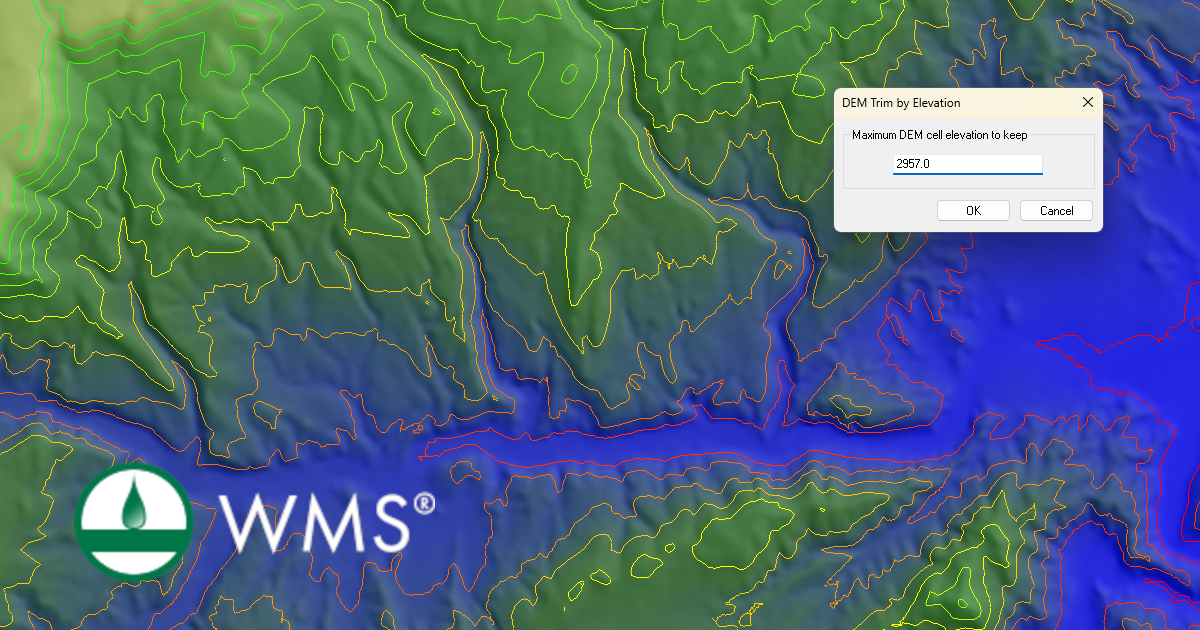
Trim the DEM to remove high or low elevation.
-
Remove unnecessary surrounding terrain.
-
Reduce resolution if processing time becomes excessive for large watersheds.
Why DEM Preparation Matters
Clean DEM data leads to more accurate watershed boundaries, stream networks, and runoff calculations. Investing time in proper DEM preparation significantly reduces troubleshooting later in the modeling process. Try out the DEM cleaning functions in WMS today!
March 24, 2026
|
View: 2504
|
Categories: WMS
|
By: <a class="mp-info" href="https://aquaveo.com/blog/author/admin">Aquaveo Staff</a>
About the Author


Converting a NET File to an INP File
May 9, 2018
Performing a Silent Install of XMS (Passwords & Hardware Locks)
October 10, 2018
Computing Basin Curve Numbers in 9 Easy Steps
May 16, 2023
Performing a Silent Install for ALS
October 27, 2021
Tips for Finding Information on the XMS Wiki
September 25, 2019
Meet the New Display Panel
October 13, 2026
What’s New in the GMS 11.0 Beta
October 6, 2026
Simplify and Prepare Complex Geometry
September 29, 2026
Unlock SMS 14.0 Map Undo Features
September 22, 2026
Advanced Groundwater Modeling Techniques for 3D Data
September 15, 2026