We use cookies to make your experience better. To comply with the new e-Privacy directive, we need to ask for your consent to set the cookies. Learn more.


Tips for Using Wells with MODFLOW 6
Wells are among the most important—and frequently used—features in groundwater models. Whether you're simulating municipal pumping, irrigation withdrawals, aquifer storage and recovery, or remediation systems, selecting the appropriate MODFLOW 6 well package can significantly improve model realism and stability. In the Groundwater Modeling System (GMS), MODFLOW 6 provides multiple options for representing wells, each designed for different hydrogeologic conditions.
This guide reviews the major MODFLOW 6 well packages, when to use them, and common issues to avoid during model setup.
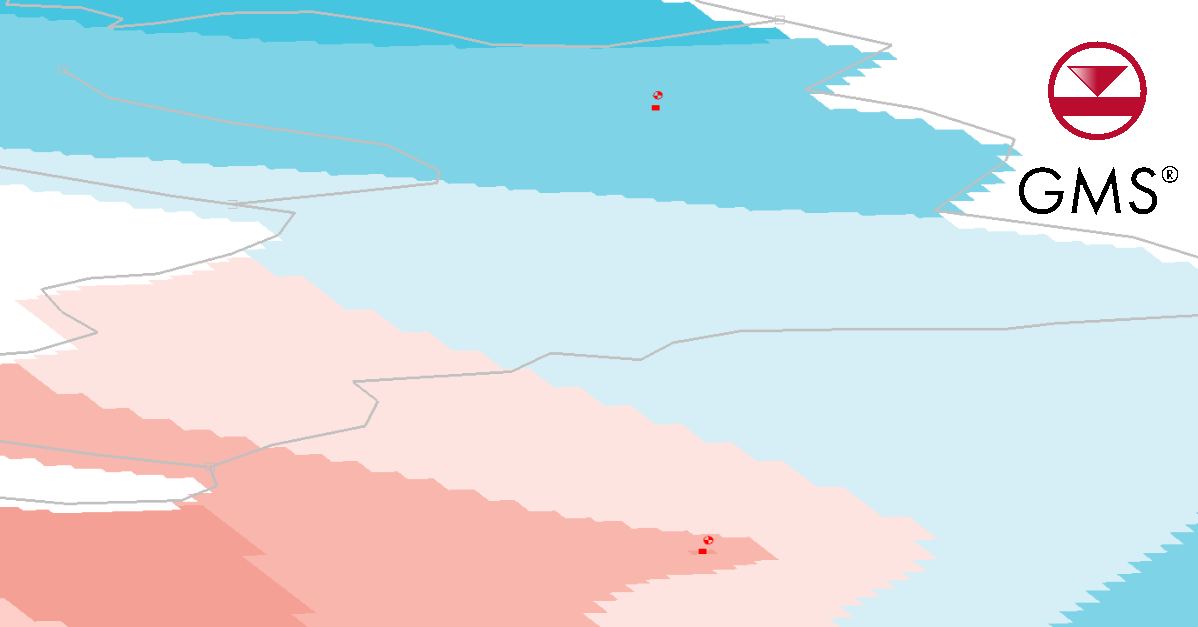
The Standard Well Package (WEL)
The Well (WEL) Package is the simplest way to represent groundwater extraction or injection. It assigns a specified flow rate directly to one or more model cells.
Best for:
-
Municipal pumping wells
-
Irrigation wells
-
Simple injection systems
-
Regional groundwater models
Advantages:
-
Easy to set up
-
Fast computational performance
-
Suitable for most pumping scenarios
However, the WEL package assumes the entire pumping rate is applied directly to the selected cells and does not explicitly represent wellbore hydraulics.
Multi-Aquifer Well Package (MAW)
The Multi-Aquifer Well (MAW) Package provides a more realistic representation of wells screened across multiple layers. Rather than assigning pumping directly to cells, MAW simulates flow between the well and surrounding aquifer cells based on hydraulic conditions.
Best for:
-
Deep municipal wells
-
Partially penetrating wells
-
Wells screened across multiple aquifers
-
Aquifer storage and recovery projects
Advantages:
-
More realistic well behavior
-
Better representation of vertical flow
-
Improved simulation of complex well completions
For projects involving layered aquifer systems, MAW is often the preferred choice.
Common Well Setup Issues
Incorrect Layer Assignments
One of the most common modeling mistakes is placing a well in the wrong layer. Always verify screen intervals and ensure pumping occurs within the intended hydrostratigraphic unit.
Unrealistic Pumping Rates
Excessive pumping rates can cause dry cells, convergence problems, or unrealistic drawdown. Compare pumping values against field data and expected aquifer yields.
Unit Conversion Errors
Many well issues stem from mismatched units. Verify that flow rates, coordinates, and model dimensions use consistent units throughout the project.
Ignoring Screen Intervals
When using MAW, accurately defining screen elevations is critical. Incorrect screen placement can significantly alter simulated flow distribution.
Choosing the Right Package
For straightforward pumping simulations, the WEL package remains an efficient and reliable option. For wells that span multiple layers or require detailed hydraulic representation, the MAW package provides greater realism and flexibility.
Final Thoughts
Selecting the proper MODFLOW 6 well package in GMS helps create more accurate groundwater simulations while reducing calibration challenges. Understanding the strengths of both WEL and MAW—and avoiding common setup mistakes—can lead to more reliable modeling results. Make use of MODFLOW 6’s well modeling capabilities by getting GMS today!
July 14, 2026
|
View: 1167
|
Categories: GMS
|
By: <a class="mp-info" href="https://aquaveo.com/blog/author/admin">Aquaveo Staff</a>
About the Author


Converting a NET File to an INP File
May 9, 2018
Performing a Silent Install of XMS (Passwords & Hardware Locks)
October 10, 2018
Computing Basin Curve Numbers in 9 Easy Steps
May 16, 2023
Performing a Silent Install for ALS
October 27, 2021
Tips for Finding Information on the XMS Wiki
September 25, 2019
Meet the New Display Panel
October 13, 2026
What’s New in the GMS 11.0 Beta
October 6, 2026
Simplify and Prepare Complex Geometry
September 29, 2026
Unlock SMS 14.0 Map Undo Features
September 22, 2026
Advanced Groundwater Modeling Techniques for 3D Data
September 15, 2026